Free AI Background Remover
Remove the background from any photo with AI that runs entirely in your browser. Transparent PNG output, no upload, no watermark, no sign-up.
Drag & drop an image, or tap to choose
AI runs in your browser — your photo never leaves your device
How to remove a background from a photo
- Add your image. Drag and drop it into the tool above, or click to pick a file. JPEG, PNG and WebP all work.
- Click “Remove background”. On your very first use, your browser downloads the AI model — a one-time wait of a few seconds to a minute depending on your connection. After that it's cached and near-instant.
- Preview on the checkerboard. The grey checkerboard shows exactly which areas are transparent.
- Download your PNG. You get a transparent PNG at the original resolution, ready to drop onto any new background.
Why in-browser AI beats upload-based removers
Most background removal sites upload your photo to a server, run AI there, then charge you credits or stamp a watermark to cover the compute cost. This tool takes a different approach: a state-of-the-art segmentation model runs directly in your browser using WebAssembly.
- Private: your photo never leaves your device — nothing to upload means nothing to leak.
- Free forever: we pay no per-image compute bill, so there are no credits, limits or watermarks.
- Full resolution: many free tiers cap output at 500–600px. You keep your original resolution.
What people use it for
Cutting yourself out of a holiday photo for a passport photo with a clean background, product shots for eBay, Vinted and Etsy listings, sticker packs and memes, profile pictures with a solid-colour backdrop, and slide decks where the subject needs to sit on brand colours. Pair it with our free image resizer to get the final image to the exact size a platform wants, or see every free tool on the tools page.
Removing a background won't fix the photo behind it
A cut-out of a dim, blurry selfie is still a dim, blurry selfie. If what you actually need is a professional-looking photo — for LinkedIn, a CV, a company site or a dating profile — CVPIC generates them from scratch. Upload 10–15 selfies, our AI learns your face, and produces studio-quality photos with clean backgrounds already in place. No cutting, no compositing, ready in under two hours. See pricing to get started.
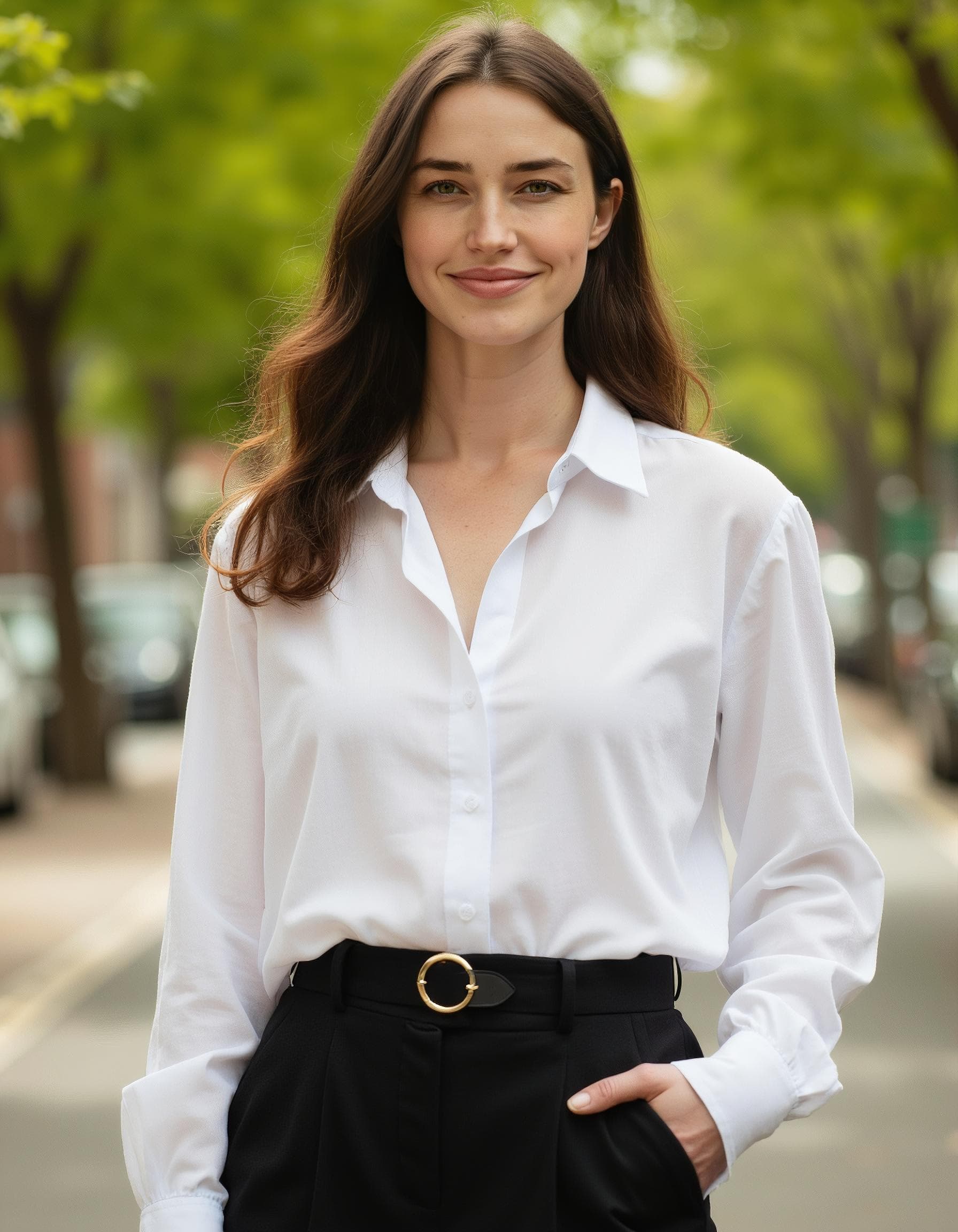
Want a full professional headshot instead of a cut-out?
Our Corporate Headshots pack turns your selfies into studio-quality portraits with clean, polished backgrounds already built in — no manual cutting or compositing needed.
Explore Corporate Headshots →Frequently asked questions
Is this background remover really free?
Yes — free with no watermark, no credits and no sign-up. Because the AI runs in your browser rather than on our servers, it costs nothing per image, so we don't need to charge or limit you.
Is my photo uploaded anywhere?
No. The AI model is downloaded to your browser and runs locally on your device. Your photo never leaves your computer or phone, which makes this one of the most private background removers available.
Why does the first run take longer?
On first use your browser downloads the AI model (a one-time download of a few dozen megabytes). It is cached afterwards, so removing backgrounds from your next images takes just a few seconds.
What do I get as output?
A PNG with a transparent background at the same resolution as your original image. You can layer it over any new background in Canva, PowerPoint, Photoshop or our free image resizer.
What images work best?
Photos with a clear subject — people, products, pets — and reasonable contrast against the background work best. Very busy scenes, wispy hair against similar-coloured backgrounds, or low-light shots may need touch-ups.
Can I put my own background behind the cut-out?
Yes. The download is a transparent PNG, so you can drop it onto any colour, photo or gradient in Canva, Photoshop, PowerPoint, Keynote or Google Slides. Layer it over a plain backdrop for a quick studio-style headshot.
Does it work on phones and tablets?
Yes — the tool runs in any modern mobile browser (Chrome, Safari, Firefox, Edge). On a phone, the one-time AI model download can take a little longer on mobile data, so Wi-Fi is recommended the first time.
Why did the edges come out a bit rough?
Fine details like flyaway hair, fur or semi-transparent objects (glass, veils) are the hardest part of background removal for any AI, in-browser or server-based. Even contrast between subject and background and a sharp, well-lit original photo give the cleanest edges.
How is this different from removing a background in Photoshop?
Photoshop's selection tools give you more manual control but take skill and time. This tool automates the whole process with AI in a couple of clicks — it won't be perfect on every photo, but for most product shots and portraits it gets a clean cut-out instantly and for free.
Can I remove a background and then resize the result?
Yes — download the transparent PNG here, then open our free image resizer to fit it to an exact size (a LinkedIn photo, an eBay listing image, a passport crop and so on).
Want professional photos of yourself?
Stop fixing old photos. CVPIC's AI generates brand-new studio-quality headshots and portraits of you — perfect backgrounds included, ready in under 2 hours.