AI LinkedIn Photo Generator
Most LinkedIn profile photos are a cropped wedding photo, a five-year-old badge scan or a webcam grab from a video call. CVPIC trains a personal AI model on your selfies, then generates polished, studio-style headshots through our Corporate Headshots pack — ready in under 2 hours, no studio visit needed.
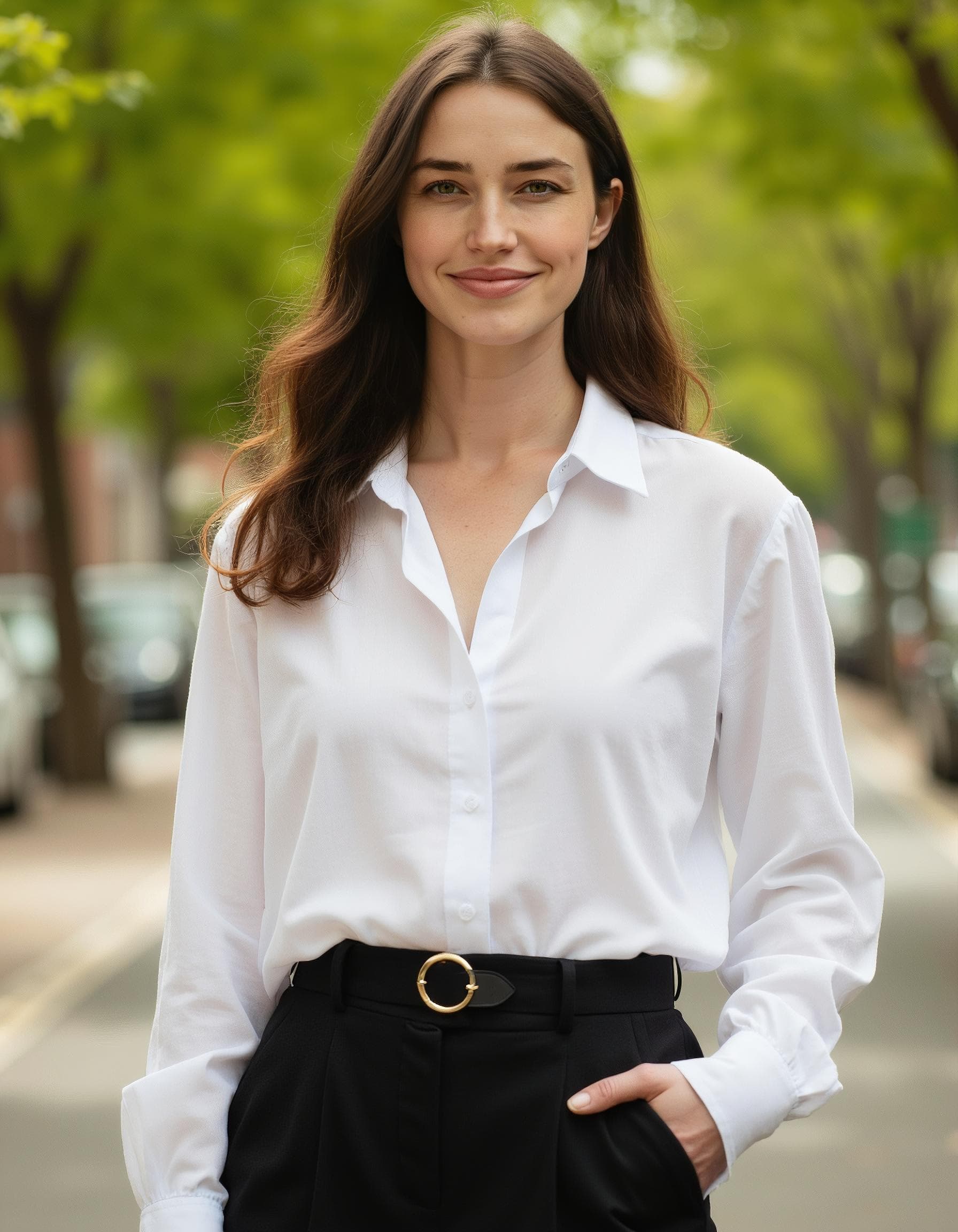
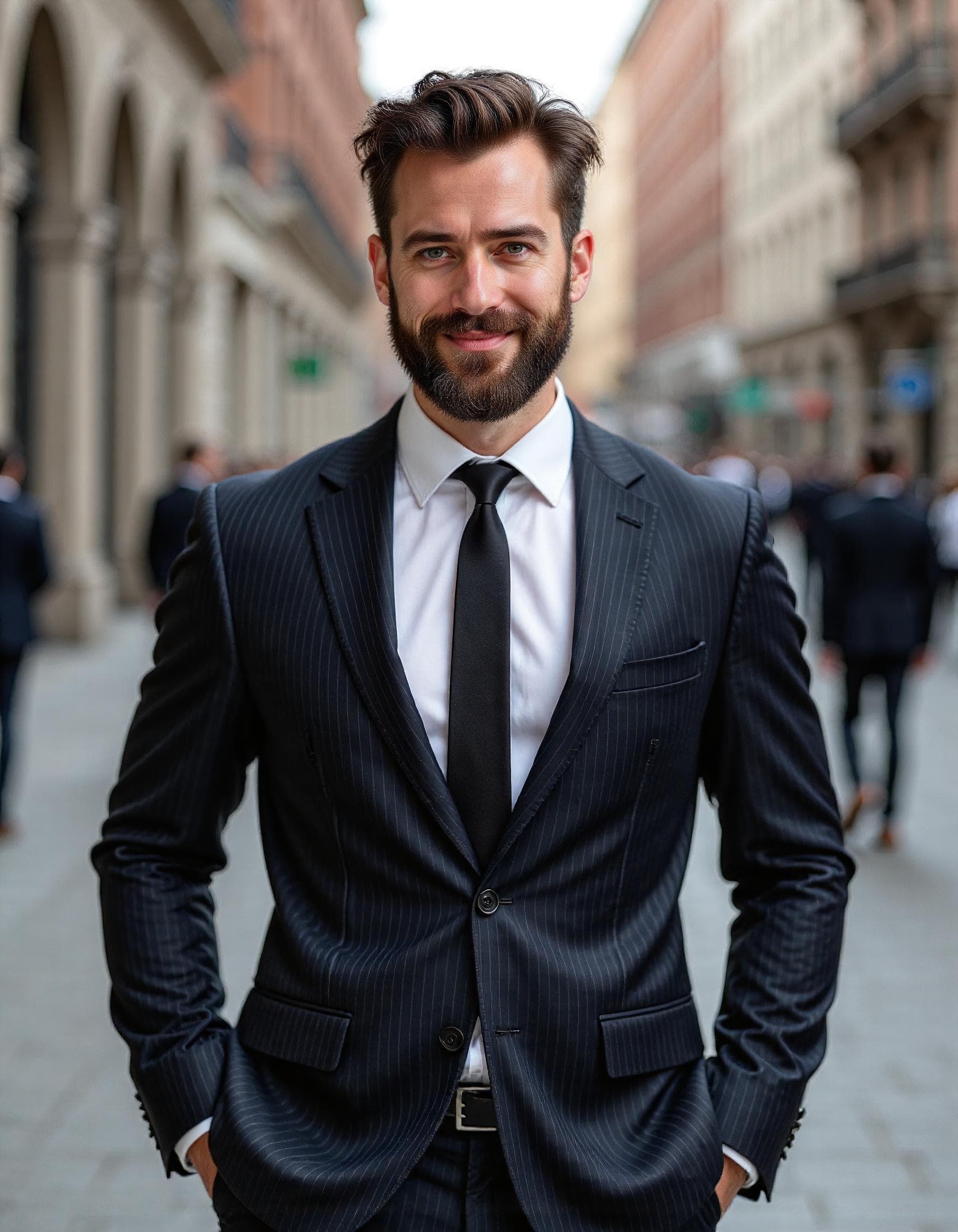
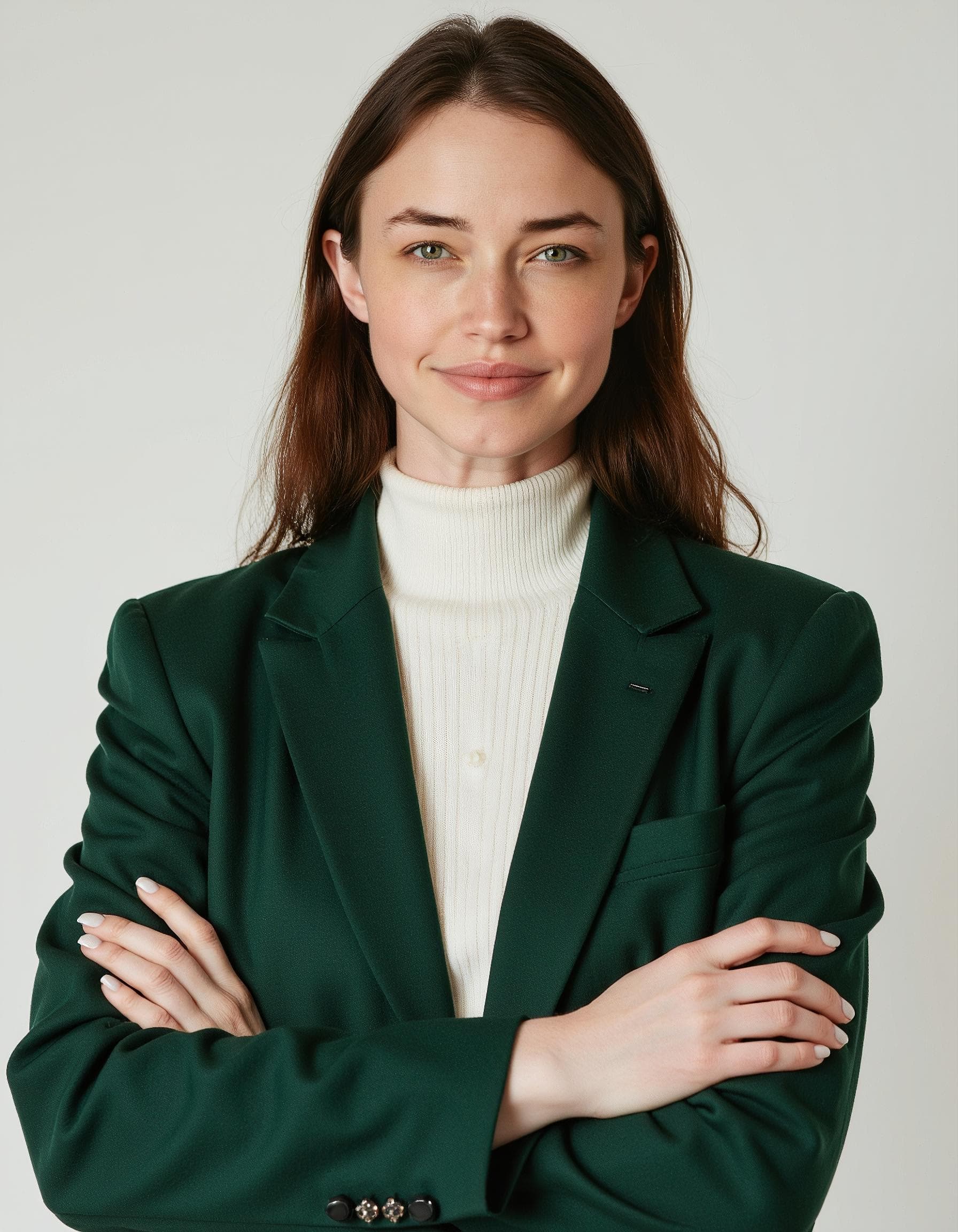
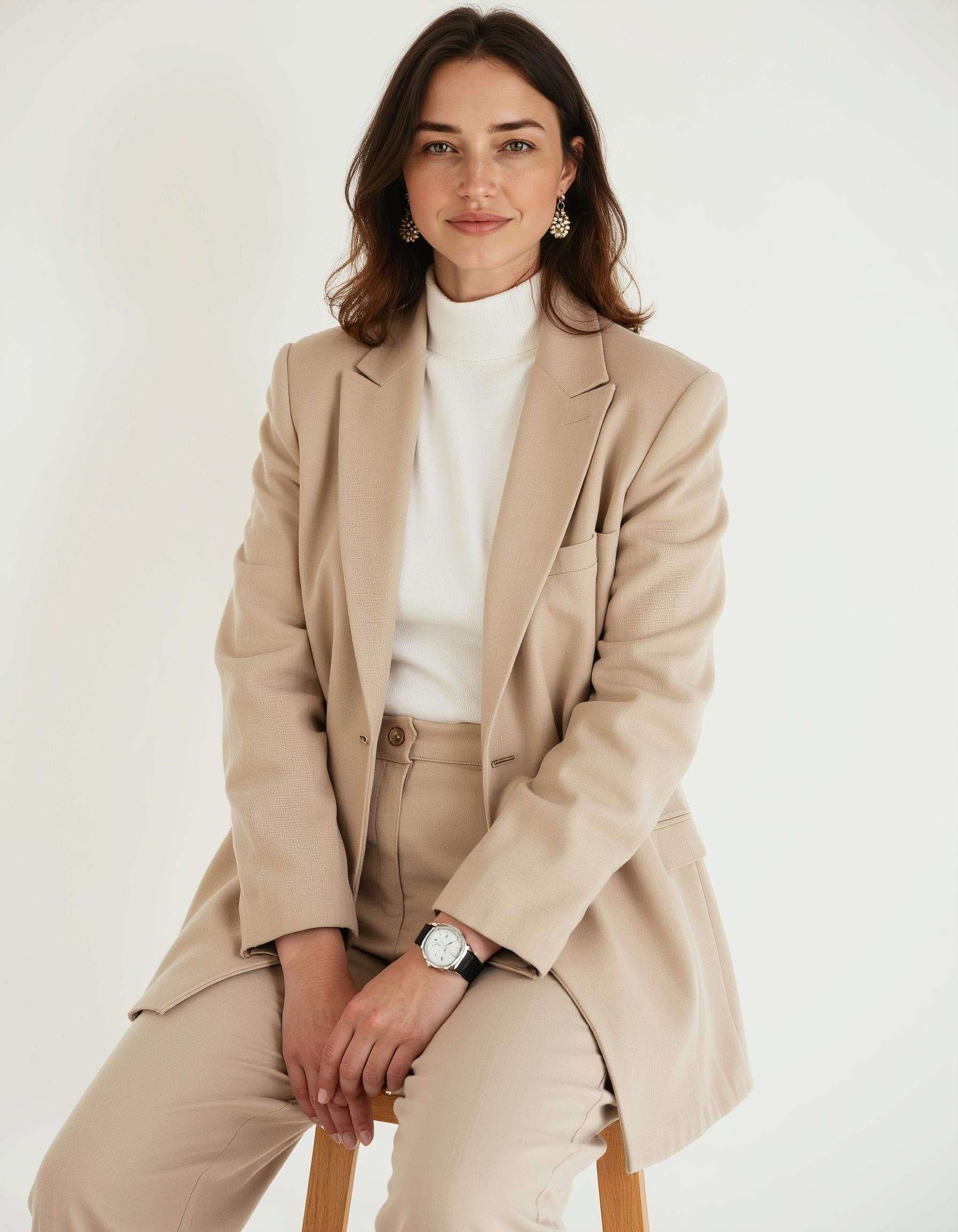
What makes a good LinkedIn photo
LinkedIn's tiny circular thumbnail is unforgiving — these are the fundamentals the Corporate Headshots pack is built around.
Crop to shoulders-up, face clearly visible
LinkedIn displays your photo as a small circle in feeds, comments and search results. A tight crop with your face filling most of the frame reads clearly even at thumbnail size — a full-body shot or a group photo doesn't.
Choose a neutral, uncluttered background
A plain wall, soft office backdrop or gentle blur keeps attention on you rather than on whatever's happening behind you. Busy backgrounds — a messy desk, a crowded café — read as less polished, whatever you're wearing.
Dress for the industry you're in, not the industry you left
A blazer suits law, finance and consulting; smart-casual works better for most tech, creative and startup profiles. The 'right' outfit for a LinkedIn photo depends entirely on context — an overly formal photo can look as mismatched as an overly casual one.
Light evenly, from the front
Harsh side lighting or shadows under the eyes are the most common reason a professional photo looks amateur. Even, soft, front-facing light is the single biggest lever for a photo looking 'studio quality'.
Keep the expression approachable, not stiff
A relaxed, slightly smiling expression consistently reads as more trustworthy than a flat, serious 'passport photo' look — useful for recruiters and clients deciding whether to click through to your profile.
How the Corporate Headshots pack works
Upload your selfies
10-15 clear photos of your face, different angles and lighting.
Your AI model trains
CVPIC fine-tunes a private model on your features in minutes.
Generate your headshots
Run the Corporate Headshots pack and download LinkedIn-ready portraits.
Building your professional presence
A LinkedIn headshot is usually just the first photo people need. If you're also updating a personal brand or just graduated, we've got you covered:
Frequently asked questions
How is an AI LinkedIn photo different from a real photographer?
CVPIC fine-tunes a private AI model on 10-15 of your own selfies, then generates studio-style portraits using that model. The result is trained specifically on your face rather than a generic template, so it's recognisably you — at a fraction of the cost and turnaround of booking a studio session.
Will it look obviously AI-generated?
The Corporate Headshots pack is tuned for realistic studio lighting and natural business attire rather than an overly smoothed or stylised look. Most people use it interchangeably with a traditionally photographed headshot.
What outfit and background will I get?
The pack generates a range of business-appropriate outfits and neutral, office-style backgrounds, so you can pick the combination that best matches your industry and personal style.
Can I use the photo commercially — on my company website, for example?
Yes. Every image comes with full commercial usage rights, so it's fine for LinkedIn, your company's About page, email signatures, conference bios or printed materials.
How long does it take and what does it cost?
Training your model and generating the pack both finish in under 2 hours. It's a one-time purchase — plans start from £9, no subscription.
Ready for a LinkedIn photo that gets you noticed?
Upload your selfies and get studio-quality headshots in under 2 hours. One-time purchase from £9 — no subscription.